
The CentoxCento VOD app is free and does not go through any store: it installs from the browser in two taps. It opens full screen from the icon on your Home Screen, keeps you logged in and, if you want, lets you know when we publish a new movie.
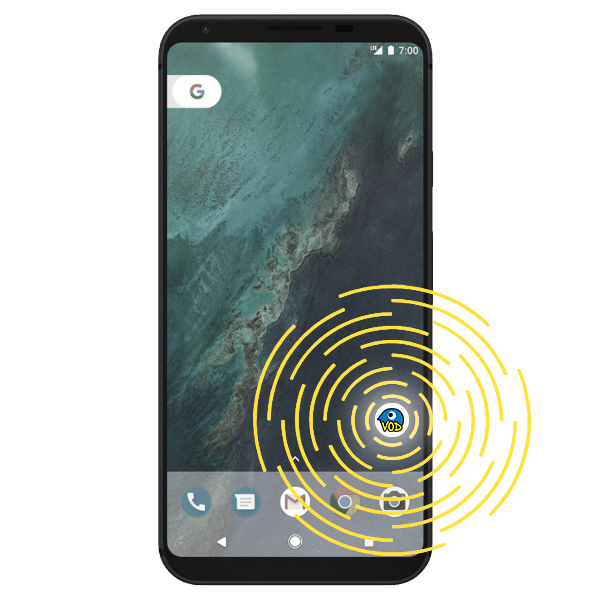
 On iPhone and iPad
You need Safari: other iOS browsers cannot add sites to the Home Screen.
- 1
Open www.centoxcentovod.com in Safari.

- 2
Tap the Share button (the square with the arrow pointing up).

- 3
Scroll the menu and tap Add to Home Screen, then Add.
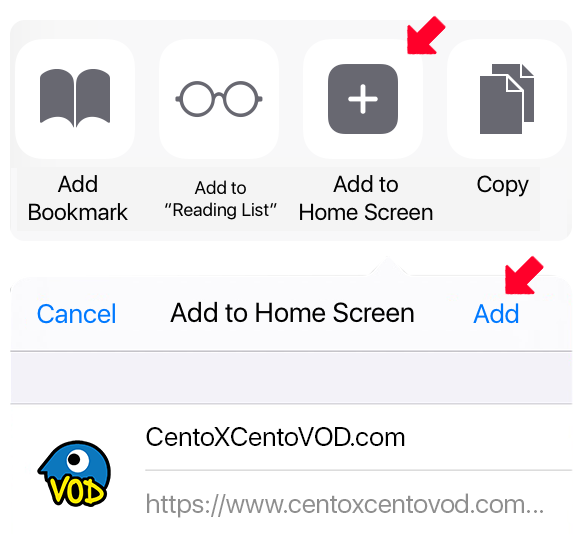
- 4
Done: the icon is on your Home Screen. Notifications are turned on from the app, in your profile.
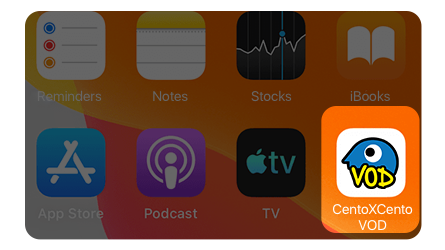
 On Android
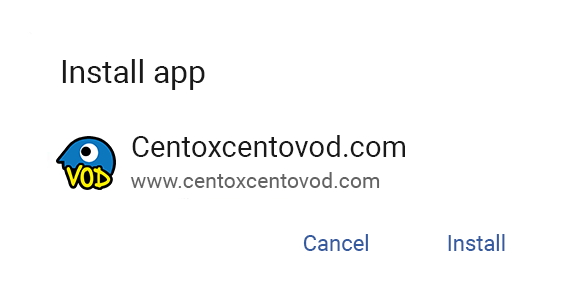
With Chrome (or Edge, Samsung Internet) the button above is enough: the phone asks for confirmation and installs the app. If the button does nothing, here are the manual steps.
- 1
Open www.centoxcentovod.com in Chrome.

- 2
Open the browser menu (the three dots) and tap Install app or Add to Home screen.
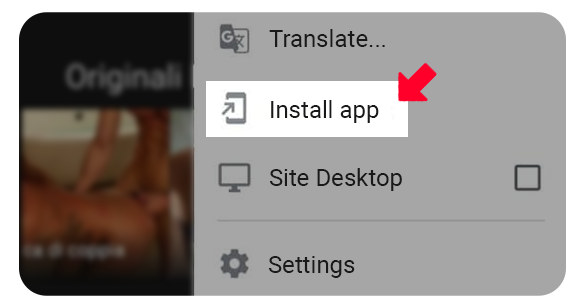
- 3
Confirm: the icon appears among your phone's apps.
Benachrichtigungen
Ein Hinweis, wenn wir einen neuen Film veröffentlichen. Gilt für den Browser und das Gerät, das du gerade benutzt.
Benachrichtigungen sind in diesem Browser aktiv. Benachrichtigungen sind in diesem Browser ausgeschaltet. Du hast Benachrichtigungen in den Browser-Einstellungen blockiert: um sie wieder zu aktivieren, ändere die Berechtigung der Website im Browser. Auf iPhone und iPad funktionieren Benachrichtigungen nur aus der auf dem Home-Bildschirm installierten CentoxCento VOD App. So installierst du die App Dieser Browser unterstützt keine Push-Benachrichtigungen.