
The CentoxCento VOD app is free and does not go through any store: it installs from the browser in two taps. It opens full screen from the icon on your Home Screen, keeps you logged in and, if you want, lets you know when we publish a new movie.
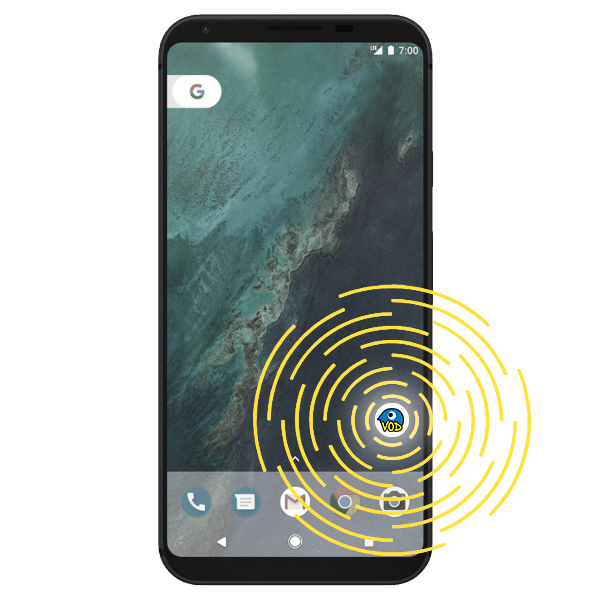
 On iPhone and iPad
You need Safari: other iOS browsers cannot add sites to the Home Screen.
- 1
Open www.centoxcentovod.com in Safari.

- 2
Tap the Share button (the square with the arrow pointing up).

- 3
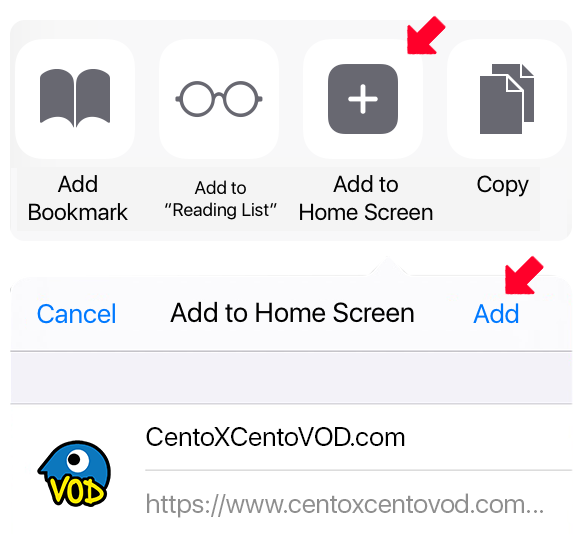
Scroll the menu and tap Add to Home Screen, then Add.
- 4
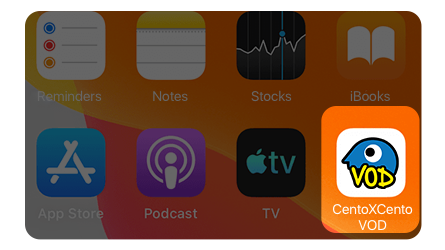
Done: the icon is on your Home Screen. Notifications are turned on from the app, in your profile.
 On Android
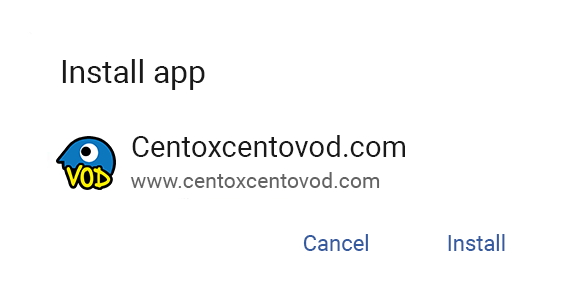
With Chrome (or Edge, Samsung Internet) the button above is enough: the phone asks for confirmation and installs the app. If the button does nothing, here are the manual steps.
- 1
Open www.centoxcentovod.com in Chrome.

- 2
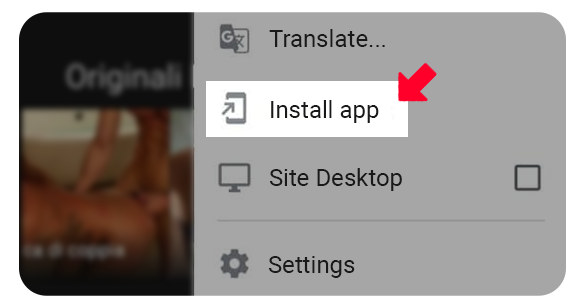
Open the browser menu (the three dots) and tap Install app or Add to Home screen.
- 3
Confirm: the icon appears among your phone's apps.
Notifications
Un avis quand nous publions un nouveau film. Valable pour le navigateur et l'appareil que vous utilisez en ce moment.
Les notifications sont actives dans ce navigateur. Les notifications sont désactivées dans ce navigateur. Vous avez bloqué les notifications dans les réglages du navigateur : pour les réactiver, modifiez l'autorisation du site dans le navigateur. Sur iPhone et iPad, les notifications ne fonctionnent que depuis l'app CentoxCento VOD installée sur l'écran d'accueil. Comment installer l'app Ce navigateur ne prend pas en charge les notifications push.