
The CentoxCento VOD app is free and does not go through any store: it installs from the browser in two taps. It opens full screen from the icon on your Home Screen, keeps you logged in and, if you want, lets you know when we publish a new movie.
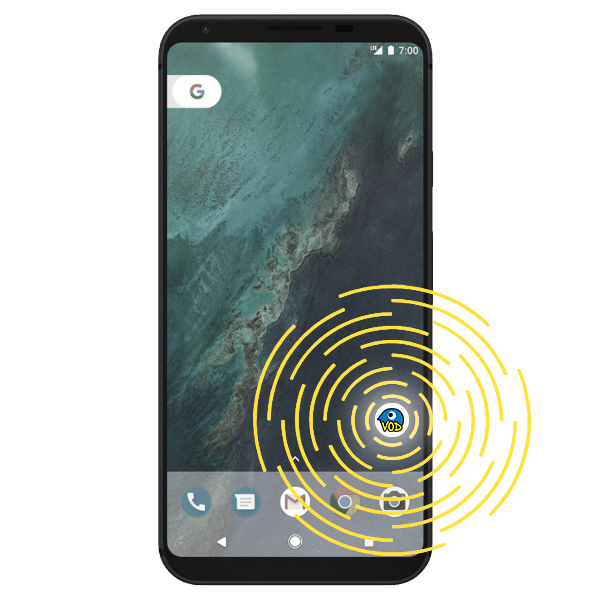
 On iPhone and iPad
You need Safari: other iOS browsers cannot add sites to the Home Screen.
- 1
Open www.centoxcentovod.com in Safari.

- 2
Tap the Share button (the square with the arrow pointing up).

- 3
Scroll the menu and tap Add to Home Screen, then Add.
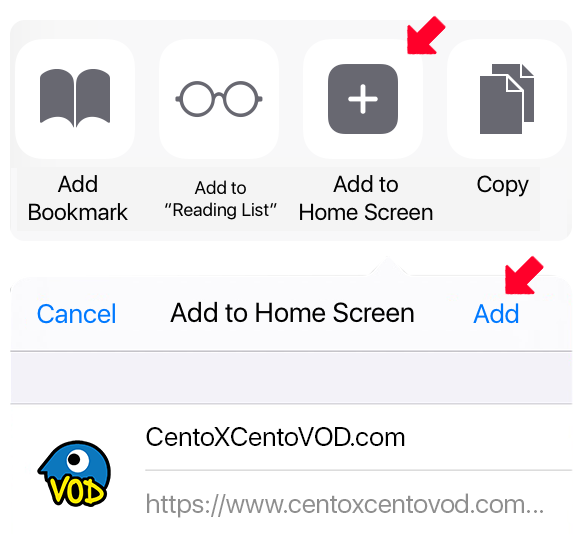
- 4
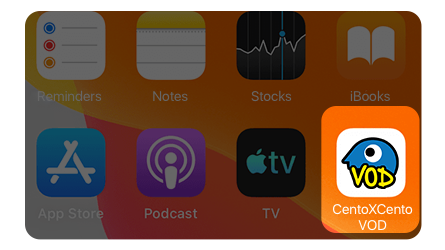
Done: the icon is on your Home Screen. Notifications are turned on from the app, in your profile.
 On Android
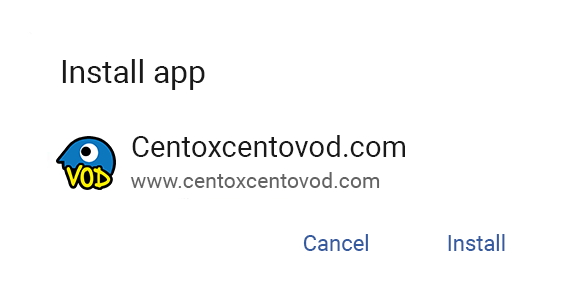
With Chrome (or Edge, Samsung Internet) the button above is enough: the phone asks for confirmation and installs the app. If the button does nothing, here are the manual steps.
- 1
Open www.centoxcentovod.com in Chrome.

- 2
Open the browser menu (the three dots) and tap Install app or Add to Home screen.
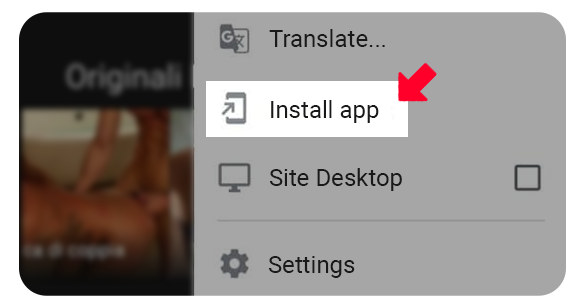
- 3
Confirm: the icon appears among your phone's apps.
Notificaciones
Un aviso cuando publiquemos una película nueva. Vale para el navegador y el dispositivo que estás usando ahora.
Las notificaciones están activas en este navegador. Las notificaciones están desactivadas en este navegador. Has bloqueado las notificaciones en los ajustes del navegador: para reactivarlas, cambia el permiso del sitio en el navegador. En iPhone y iPad las notificaciones solo funcionan desde la app CentoxCento VOD instalada en la pantalla de inicio. Cómo instalar la app Este navegador no admite notificaciones push.