
The CentoxCento VOD app is free and does not go through any store: it installs from the browser in two taps. It opens full screen from the icon on your Home Screen, keeps you logged in and, if you want, lets you know when we publish a new movie.
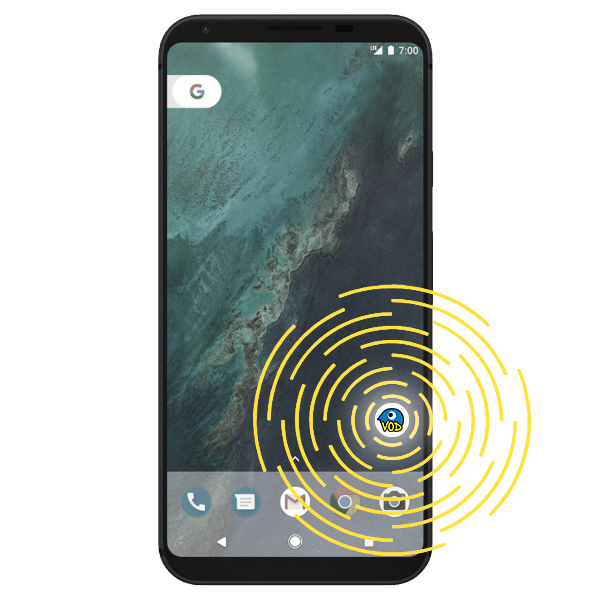
 On iPhone and iPad
You need Safari: other iOS browsers cannot add sites to the Home Screen.
- 1
Open www.centoxcentovod.com in Safari.

- 2
Tap the Share button (the square with the arrow pointing up).

- 3
Scroll the menu and tap Add to Home Screen, then Add.
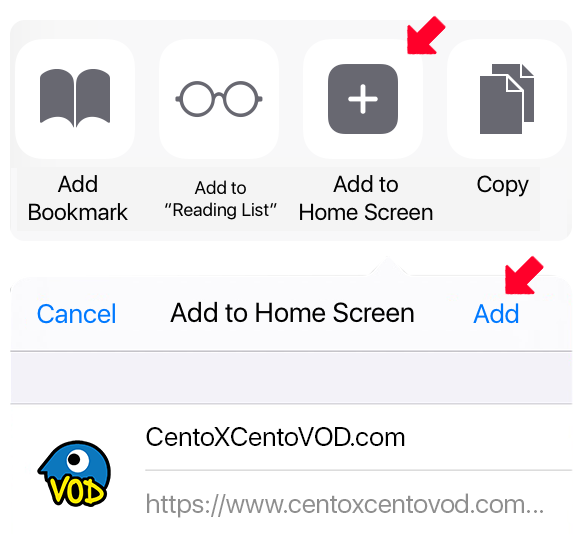
- 4
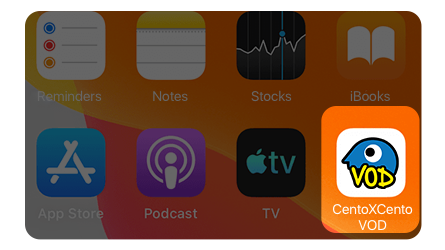
Done: the icon is on your Home Screen. Notifications are turned on from the app, in your profile.
 On Android
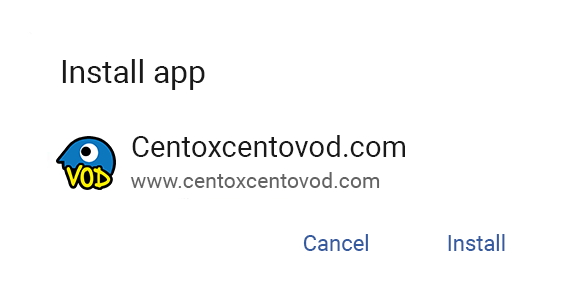
With Chrome (or Edge, Samsung Internet) the button above is enough: the phone asks for confirmation and installs the app. If the button does nothing, here are the manual steps.
- 1
Open www.centoxcentovod.com in Chrome.

- 2
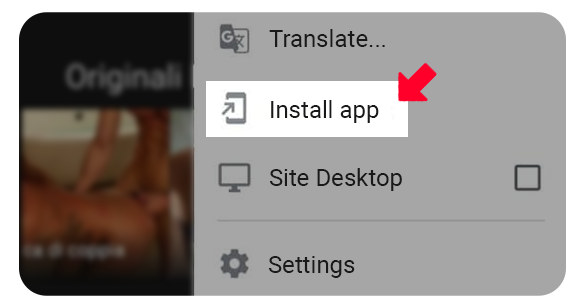
Open the browser menu (the three dots) and tap Install app or Add to Home screen.
- 3
Confirm: the icon appears among your phone's apps.
Meldingen
Een seintje als we een nieuwe film publiceren. Geldt voor de browser en het apparaat dat je nu gebruikt.
Meldingen staan aan in deze browser. Meldingen staan uit in deze browser. Je hebt meldingen geblokkeerd in de browserinstellingen: om ze weer aan te zetten, wijzig je de toestemming van de site in je browser. Op iPhone en iPad werken meldingen alleen vanuit de CentoxCento VOD app op het beginscherm. Zo installeer je de app Deze browser ondersteunt geen pushmeldingen.